
Never search through a DAW manual or menu dive for a shortcut again.
Choose your DAW software, or even multiple. Type what you want to do, get the exact keyboard shortcut back instantly. No more manual, menu, or online searching. Whether you're new to a DAW and still learning or a seasoned pro that needs a reminder, an invaluable tool.
Three steps to the right key command quickly.
Built for the moment. Whether you're new to a DAW, still learning, or deep in a session, get the answer you need fast. No search engines. No forum threads.
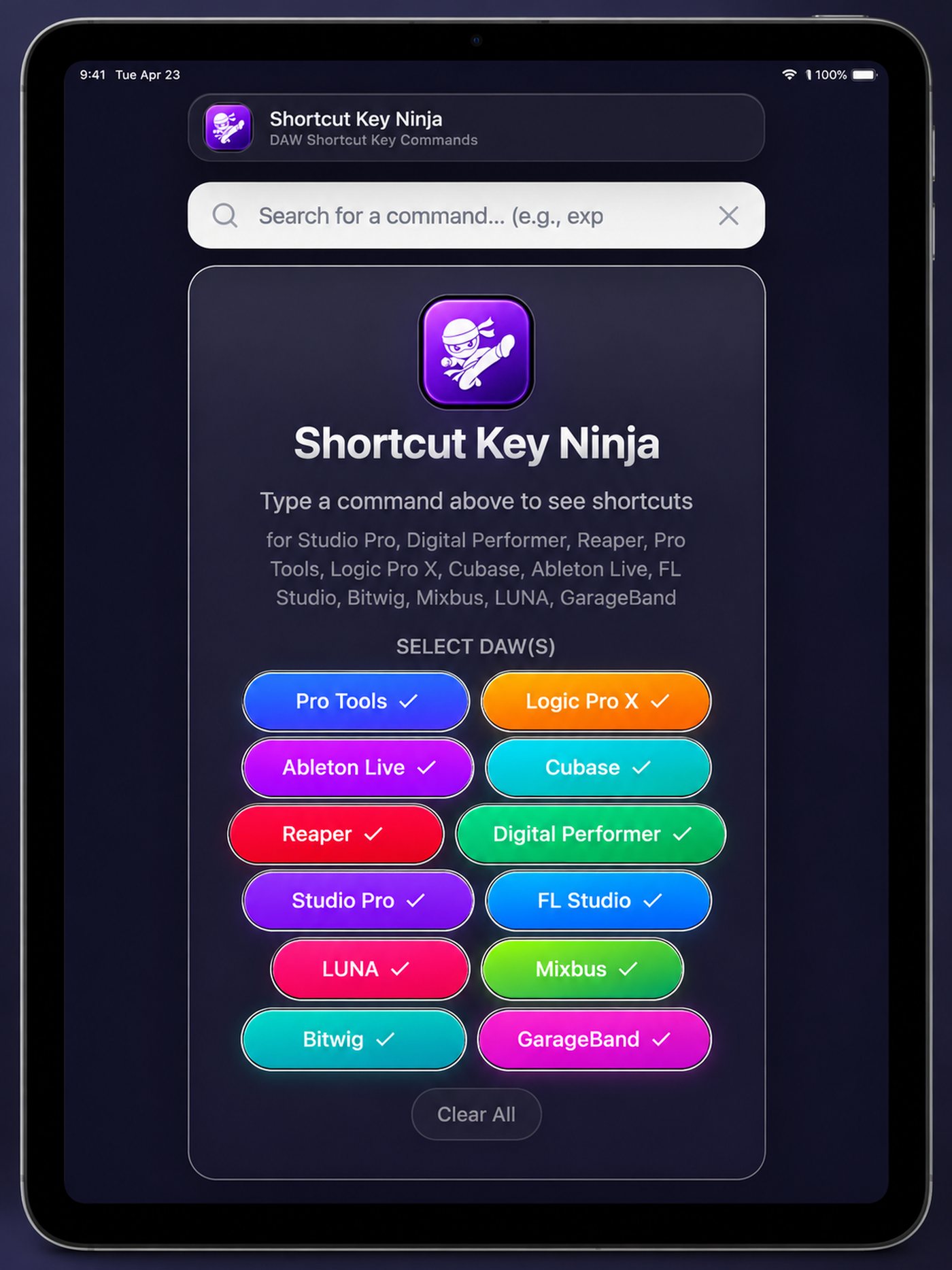
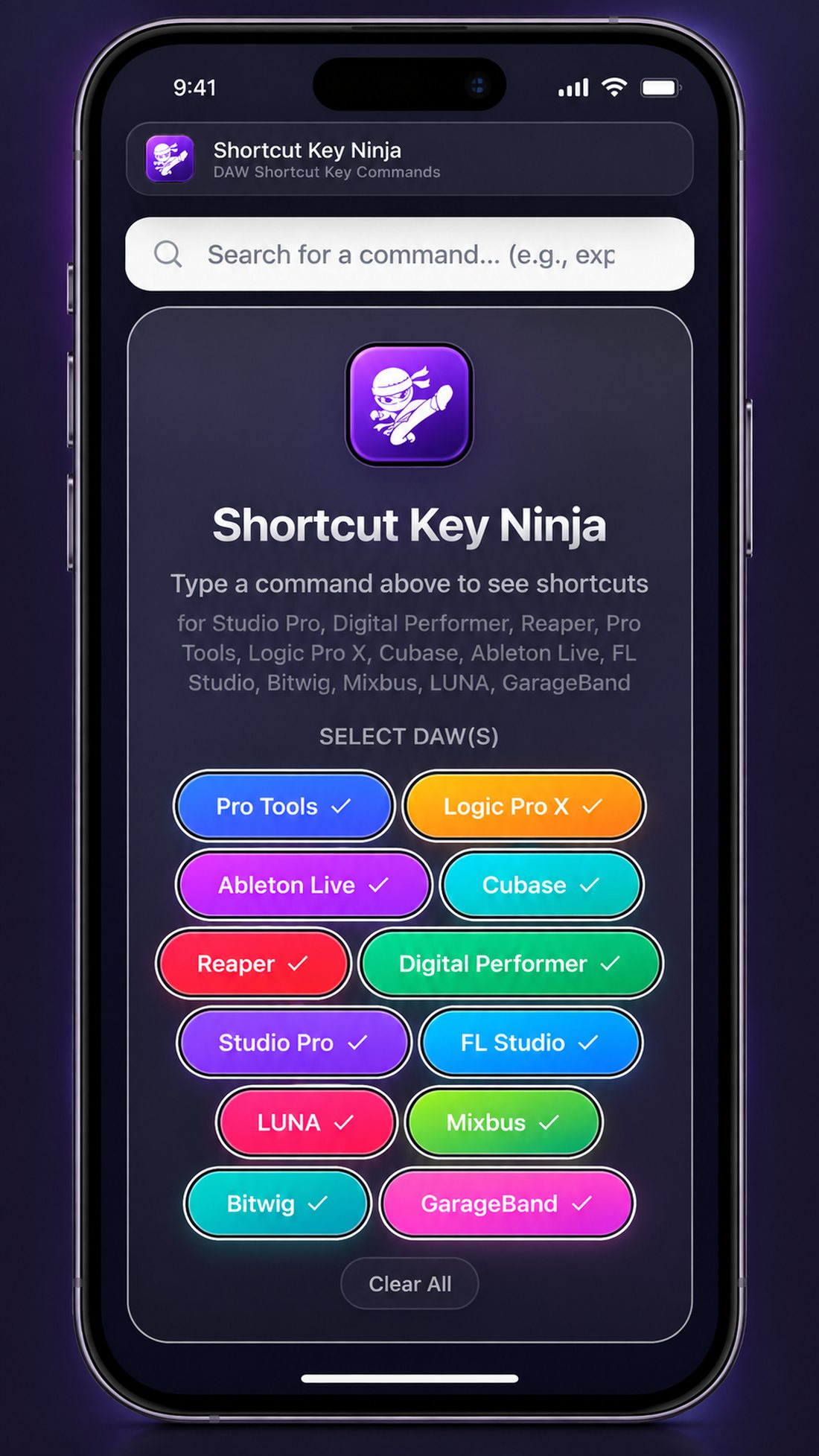
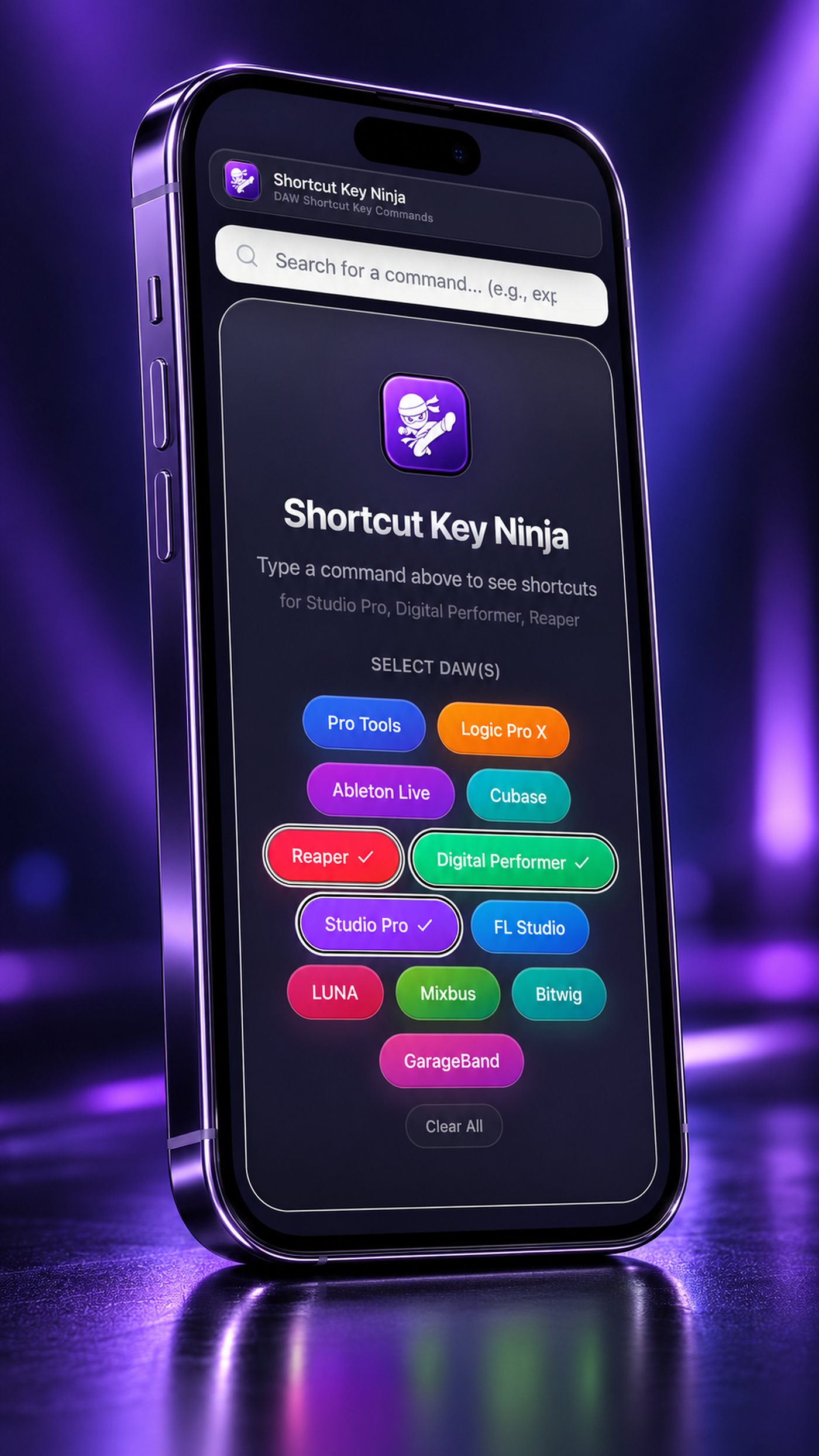
Select your DAW(s)
Tap one or many. Move seamlessly between rooms, collaborators, sessions, and setups running different software.
Type what you want to do
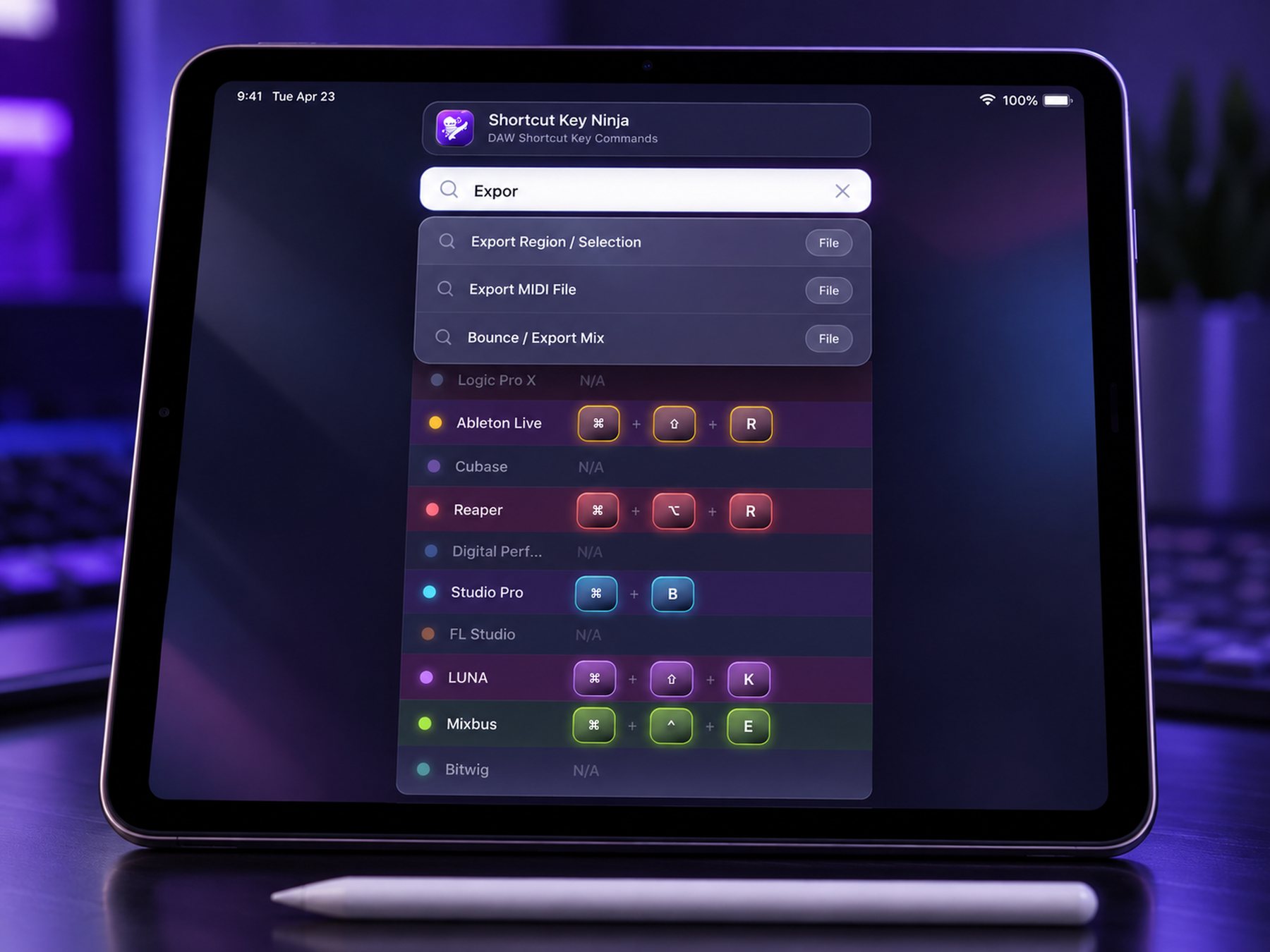
"Bounce," "mixdown," "quantize," "import audio." Plain language gets you there. No menu diving required.
Get the exact shortcut keys
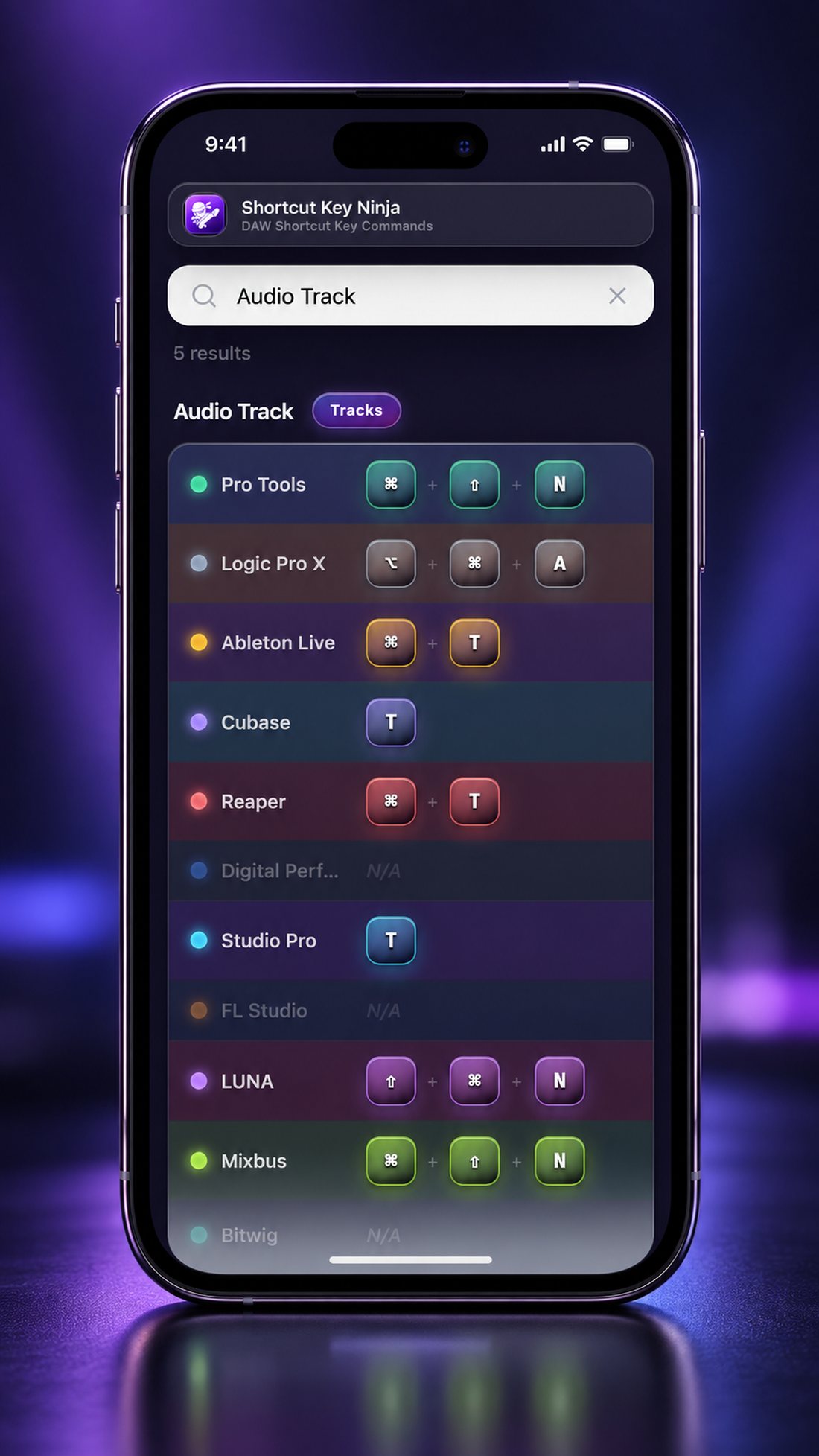
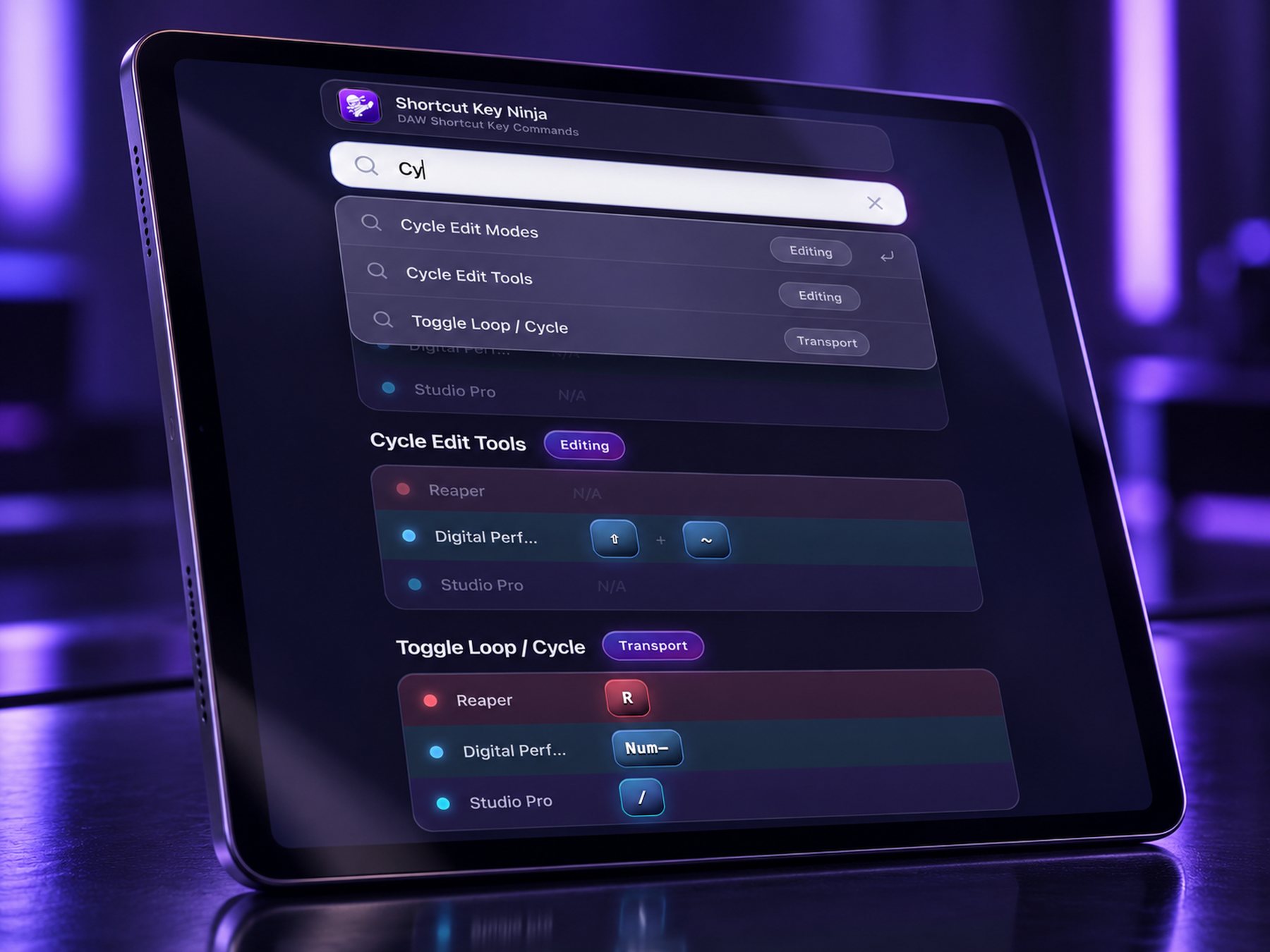
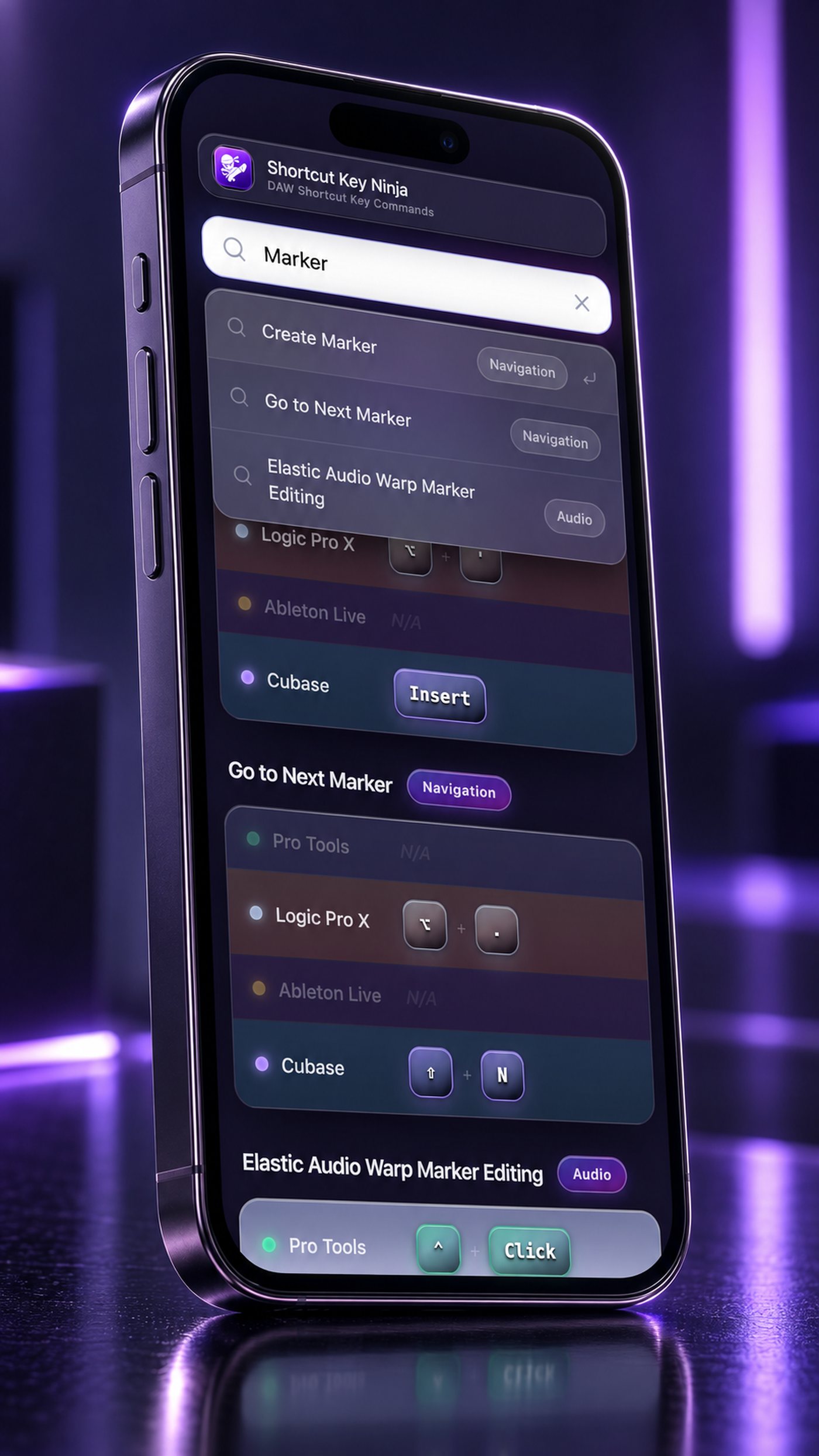
Every result lands in a clean, easy-to-read card with real key-cap glyphs. One shortcut for each selected DAW, side by side.
Pick 1 DAW or all 12.
Tap one or many. Whatever the session, every result is matched to the DAWs you choose.
Keep creating fast.
Type once, see every DAW at a glance.
Select more than one DAW and the same task's shortcut lines up side by side, in a clean boxed card with real key-cap glyphs — ⌘ ⌥ ⇧ ⌃ rendered as actual keys, not abbreviations you have to decode.
Including 12 major DAWs
Hand-verified. Vendor-sourced. Every shortcut checked against official documentation.
Every shortcut, from the manual, ready to go. Great for educational purposes as well.
From everyday major shortcuts to the more hidden and obscure.
Export. Bounce. MIDI. Every File shortcut is verified against official documentation and tagged to get you to the right command fast.
Not another cheat sheet or chart. Constantly updated. In your pocket.
Always boxed, never buried
Every result lands in one clean, easy-to-read card. No scrolling. No ads. No endless lists. Just the shortcut you need.
Compare across DAWs
Select multiple DAWs and see the same shortcut side by side. Perfect when you move between software.
Sourced, not guessed
Every entry comes straight from the DAW's official documentation. No auto-generated data. No guesswork.
Real key-cap glyphs
⌘ ⌥ ⇧ ⌃ rendered as actual key caps, not text abbreviations you have to decode.
Built for speed
From "How do I…?" to the shortcut you need in about five seconds. Typos included. Also a great educational tool.
Apple iOS and Google/Android
No subscription. The same powerful lookup tool wherever you're working, with every shortcut right on your mobile or tablet device.
Take a closer look at the app.
Drag through the screens, or use the arrows.
See it in action
Get Shortcut Key Ninja - $5.99
One-time purchase, NO subscription. Pick your platform: